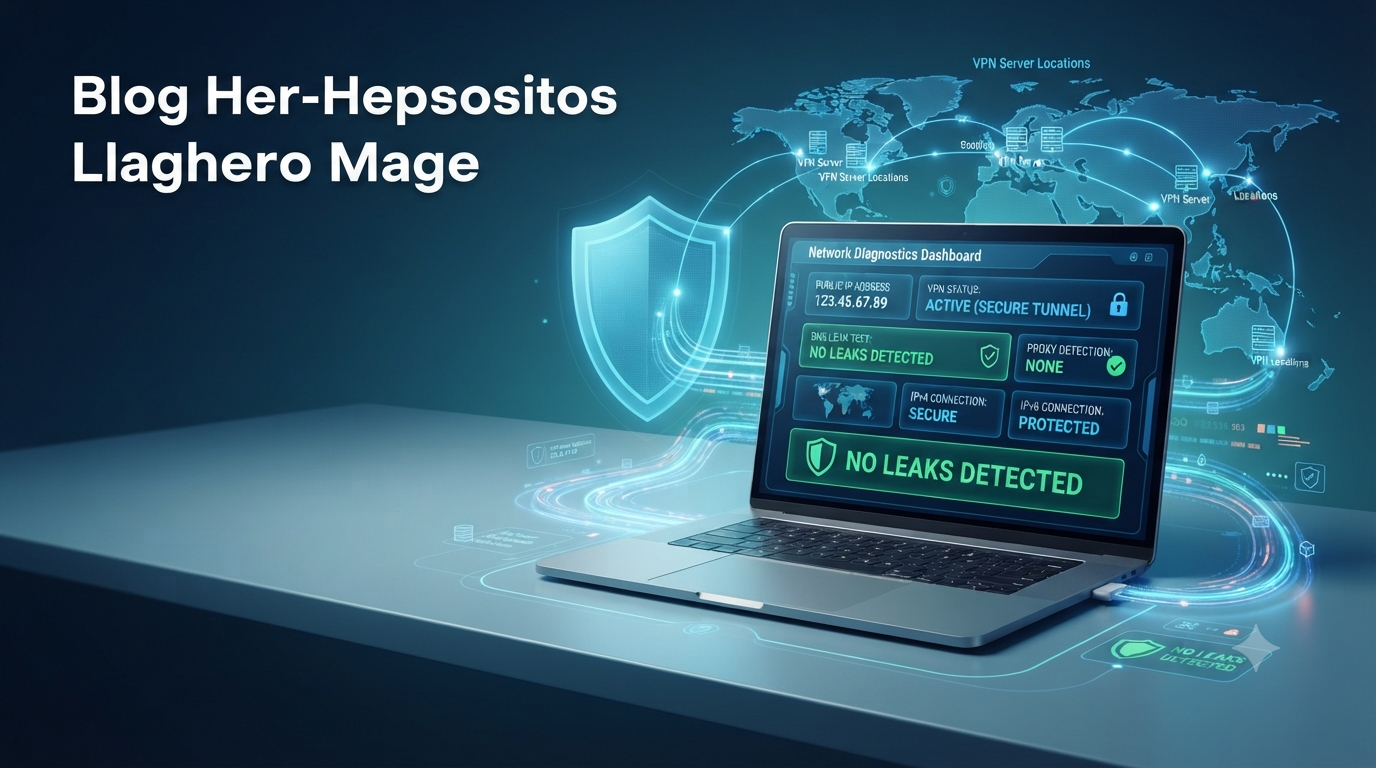
Online privacy has become more important than ever. Many people use VPNs, proxies, and private DNS services to protect their identity, secure personal information, and browse the internet safely. However, simply turning on a VPN does not always guarantee complete privacy. Sometimes your real IP address or DNS requests can still be exposed without you realizing it.
This is where ip111 becomes useful. It helps users identify whether their internet connection is leaking important information that could reveal their identity. Whether you are working remotely, accessing public Wi-Fi, managing sensitive business data, or simply protecting your privacy, understanding how to detect these leaks is essential.
In this guide, you’ll learn how to use ip111 to detect VPN, proxy, and DNS leaks, why these leaks happen, and how to fix them effectively.
What Is IP111?
ip111 is an online network diagnostic tool designed to display detailed information about your internet connection. Instead of only showing your public IP address, it also provides insights into DNS servers, IPv4 and IPv6 connectivity, browser details, connection type, and other network-related information.
The main purpose of ip111 is to help users verify whether their privacy tools are working correctly. If your VPN or proxy is configured properly, the information displayed should match your protected connection rather than your real internet identity.
This makes ip111 valuable for:
- VPN users
- Remote workers
- Privacy-conscious individuals
- IT administrators
- Cybersecurity professionals
- Developers testing network configurations
Why Detecting Leaks Matters
Many people assume that activating a VPN instantly hides everything. In reality, several types of leaks can still expose your actual location or internet service provider.
Common risks include:
- Websites identifying your real location
- Online services tracking your browsing habits
- Streaming services detecting your actual country
- Reduced privacy while using public Wi-Fi
- Increased exposure to targeted cyber threats
Regular leak testing helps ensure your privacy tools continue working as intended after software updates or network changes.
Types of Leaks IP111 Can Detect
VPN IP Address Leaks
A VPN should replace your public IP address with the server’s IP address.
If ip111 displays your real public IP instead of the VPN server’s IP, your VPN is leaking information. This usually indicates a configuration issue or a failed VPN connection.
Proxy Leaks
Some users browse through HTTP, HTTPS, or SOCKS proxies instead of VPNs.
A proxy may only hide certain traffic while allowing other requests to bypass protection. ip111 helps verify whether your proxy is masking your real connection properly.
DNS Leaks
DNS servers translate website names into IP addresses.
Even when using a VPN, your computer may continue sending DNS requests through your internet provider instead of the encrypted VPN tunnel.
This is known as a DNS leak.
A DNS leak can reveal:
- Your approximate location
- Your ISP
- Websites you visit
- Regional browsing behavior
Detecting DNS leaks is one of the most important privacy checks available.
IPv6 Leaks
Many VPN services mainly protect IPv4 traffic while accidentally exposing IPv6 traffic.
If your internet connection supports IPv6 and your VPN does not secure it correctly, websites may still identify your actual location.
ip111 helps identify whether IPv6 traffic is leaking outside the VPN.
How to Use IP111 to Detect VPN Leaks
Testing your VPN only takes a few minutes.
Step 1: Check Your Normal Connection
Before enabling your VPN:
- Open ip111.
- Review your displayed public IP address.
- Note your location.
- Observe your ISP information.
- Record your DNS servers if shown.
This creates a baseline for comparison.
Step 2: Connect Your VPN
Launch your VPN application and connect to your preferred server.
For example, if you’re located in Canada but connect to a Germany server, ip111 should display a German IP address instead of your Canadian one.
Step 3: Refresh IP111
Reload the ip111 page after the VPN connection has been established.
Now compare:
- Public IP address
- Country
- City
- ISP
- DNS information
Everything should reflect the VPN server rather than your real internet connection.
Step 4: Check DNS Servers
Carefully review the DNS information displayed.
If the DNS servers belong to your internet provider instead of the VPN provider, a DNS leak is likely occurring.
Step 5: Verify IPv6 Status
If IPv6 information appears alongside your real network details while using the VPN, your VPN may not be fully protecting IPv6 traffic.
Some VPN applications include an option to disable or secure IPv6 automatically.
How to Detect Proxy Leaks
Proxy testing follows a similar process.
First, access ip111 without the proxy enabled.
Then:
- Enable the proxy.
- Reload the page.
- Compare the displayed IP address.
- Verify the reported location.
- Check browser and connection details.
If ip111 still displays your original network information, the proxy may not be routing all traffic correctly.
Signs That Your Connection Is Leaking
You may have a privacy leak if ip111 displays any of the following:
- Your real IP address
- Your internet provider’s DNS servers
- Your actual geographic location
- IPv6 details that match your local network
- Different IP addresses during the same VPN session
Even one of these signs may indicate incomplete protection.
How to Fix VPN, Proxy, and DNS Leaks
If ip111 detects a leak, there are several ways to improve your privacy.
Enable DNS Leak Protection
Most modern VPN applications include built-in DNS leak prevention.
Make sure this feature is enabled within your VPN settings.
Turn On the Kill Switch
A kill switch automatically disconnects your internet if the VPN connection drops unexpectedly.
This prevents accidental exposure of your real IP address.
Disable IPv6 if Necessary
If your VPN does not support IPv6 securely, disabling IPv6 on your operating system may eliminate the leak.
Many VPN providers also include an IPv6 protection option.
Use Trusted DNS Servers
Configure secure DNS servers through your VPN or operating system if necessary.
This helps ensure DNS requests stay encrypted.
Keep Software Updated
VPN software receives regular security improvements.
Installing updates helps prevent newly discovered vulnerabilities and compatibility issues.
Test Regularly
Network settings can change after:
- VPN updates
- Operating system upgrades
- Browser updates
- Router configuration changes
- ISP network modifications
Running ip111 tests periodically helps ensure your privacy remains protected.
Best Practices for Better Online Privacy
Leak testing is only one part of maintaining online security.
For stronger protection:
- Use a reputable VPN service.
- Enable automatic VPN connection on startup.
- Keep browsers updated.
- Avoid unknown browser extensions.
- Use secure Wi-Fi whenever possible.
- Enable multi-factor authentication on important accounts.
- Test your connection after changing VPN servers.
These simple habits significantly improve your overall online security.
Who Should Use IP111?
Although anyone can benefit from checking their connection, ip111 is especially useful for:
- Remote employees handling confidential information
- Journalists protecting sensitive communications
- Digital marketers testing regional search results
- Developers verifying server configurations
- Travelers accessing restricted content securely
- Privacy-focused users checking VPN performance
Regular testing provides reassurance that privacy tools are functioning correctly.
Final Thoughts
Protecting your online identity requires more than simply installing a VPN or proxy. Hidden IP, DNS, and IPv6 leaks can still expose sensitive information if your connection is not configured properly.
Using ip111 allows you to quickly verify whether your VPN or proxy is working as expected. By comparing your IP address, DNS servers, and connection details before and after enabling privacy tools, you can identify leaks and correct them before they compromise your security.
Making leak testing a regular habit helps ensure your internet connection remains private, secure, and reliable. Whether you’re working remotely, traveling, or simply browsing the web, using ip111 to check for VPN, proxy, and DNS leaks is a simple but effective step toward better online privacy.


Pingback: Quikconsole Com: An Informational Publication