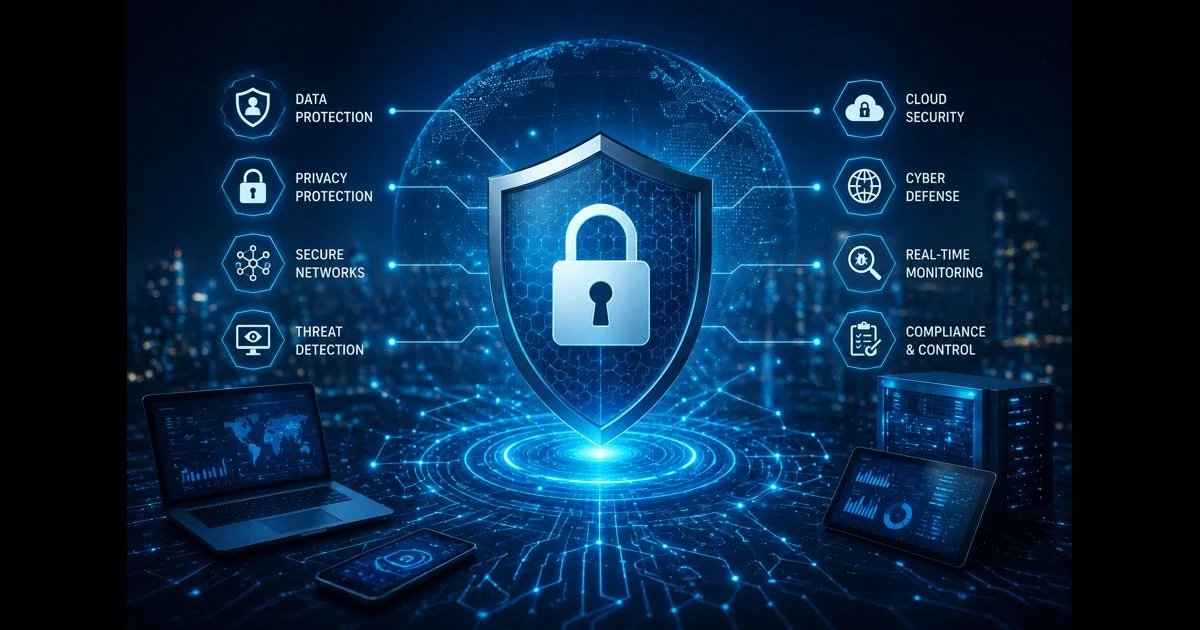
This guide discusses general security controls for business environments. It does not present QuikConsole as a cybersecurity product, security provider, downloadable application, or enterprise platform.
Security controls are the safeguards, procedures, and review practices used to reduce avoidable risks to business accounts, devices, information, systems, and operations. They can include technical settings, written processes, staff responsibilities, monitoring, backups, and incident procedures.
A useful security program does not depend on one tool or one setting. It connects access management, device protection, data handling, supplier oversight, recovery planning, and regular review. This checklist provides a practical way for a business to examine those areas and identify controls that need clarification or improvement.
Start with a Business Security Review
Before selecting controls, understand what the business must protect and what could interrupt its work. A small organization may depend on email, cloud storage, accounting systems, customer records, payment services, websites, and shared devices. Each dependency may have different access, recovery, and privacy requirements.
Begin by documenting:
- Important business processes
- Critical accounts and systems
- Sensitive or confidential information
- Devices used for business work
- External providers and integrations
- People responsible for administration
- Services that would cause serious disruption if unavailable
- Existing safeguards and known gaps
The purpose is not to create an unnecessarily large inventory. Start with systems that support essential operations, hold important information, or provide access to other services.
Assign Security Ownership
Security tasks are often delayed when nobody clearly owns them. Assign responsibility for each important system, account, device group, supplier relationship, and recovery process.
Ownership can be divided between several people:
- Business owner: confirms the operational importance of the system
- System owner: manages configuration and day-to-day administration
- Data owner: confirms access, retention, and handling requirements
- Security coordinator: tracks controls, reviews risks, and coordinates incidents
- Finance owner: reviews spending and service continuity concerns
One person may hold more than one role in a small business. The important point is that the responsibility is explicit, documented, and reviewed when staff or suppliers change.
Protect Business Accounts
Accounts are often the main route into business systems. Protect them through individual identities, appropriate authentication, controlled permissions, and a clear account lifecycle.
Review whether the business uses:
- Separate accounts for each user
- Multi-factor authentication where available and appropriate
- Strong and unique passwords
- Approved password-management practices
- Restrictions on administrative accounts
- Sign-in notifications or activity records
- A documented process for account recovery
- Prompt suspension of unused accounts
Shared accounts make accountability difficult and can leave access active after someone no longer needs it. If a shared account cannot be avoided, document its owner, purpose, approved users, recovery method, and review schedule.
Apply Least-Privilege Permissions
Users should receive the minimum access required for their responsibilities. Someone who needs to read reports may not need permission to delete records, change security settings, create administrator accounts, or modify billing information.
Review permissions by role, system, environment, and type of action. Separate ordinary work from high-risk administration where possible. Use approval or temporary access for sensitive tasks rather than granting permanent broad permissions for convenience.
Access reviews should answer:
- Who has access?
- Why do they need it?
- What can they view or change?
- Who approved it?
- When was it last reviewed?
- How quickly can it be removed?
The review should include employees, contractors, service accounts, suppliers, and automated connections.
Secure Devices Used for Business Work
Business information may be accessed through desktops, laptops, mobile devices, servers, network equipment, and personally owned devices. Each device type should have reasonable safeguards that match the information and access it handles.
Review whether devices have:
- Supported operating systems and current security updates
- Screen locks and automatic timeout
- Device encryption where appropriate
- Standard user accounts for ordinary work
- Protection against unauthorized software
- A process for lost or stolen devices
- Secure disposal or reassignment procedures
- A current record of the device and its assigned user
Devices used to administer important systems deserve additional restrictions. Avoid allowing unnecessary applications, browser extensions, or personal accounts on administrative devices.
Secure Email and Communication
Email and messaging tools frequently handle customer information, invoices, files, account invitations, and password-reset messages. Review the security settings and working practices that protect those communications.
Practical controls may include stronger sign-in requirements, protection against suspicious links and attachments, restrictions on automatic forwarding, clear reporting procedures, and verification of unusual payment or account-change requests.
Staff should know how to report a suspicious message without fear of blame. A quick reporting process gives the business more time to investigate and protect affected accounts.
Protect Business Data
Identify which information is public, internal, confidential, restricted, or subject to special handling requirements. The classification should guide access, sharing, retention, storage, and disposal decisions.
Review:
- Where important information is stored
- Who can access it
- Whether external sharing is enabled
- How downloads and exports are controlled
- How long information is retained
- How information is deleted or disposed of
- Whether sensitive data is used in testing environments
- Which suppliers process or store the information
Avoid placing confidential information into an unfamiliar application or trial environment before reviewing its privacy terms, access settings, retention practices, and export options.
Review Cloud and Application Settings
Cloud services and business applications often use secure defaults, but the organization remains responsible for configuring accounts, permissions, sharing, and connected services appropriately.
Review settings for public access, external sharing, inactive users, administrator roles, data exports, application connections, audit records, and recovery methods. Confirm whether security options are included in the organization’s selected service arrangement and whether they apply to every relevant user.
Do not assume that a service is secure simply because it is hosted by a recognized provider. The organization must still control its identities, permissions, information, devices, and configuration choices.
Manage Integrations and Service Accounts
Integrations can connect business systems, automate tasks, and move information between providers. They can also create access paths that are difficult to see during a routine review.
For each integration or service account, document:
- Its business purpose
- The systems it can access
- The permissions it uses
- The person or team responsible for it
- The credentials or tokens involved
- The process for rotation or revocation
- The conditions for disabling it
Remove connections that are no longer required. Limit permissions to the data and actions necessary for the integration to work. Review connected applications after major staff, supplier, or system changes.
Protect Networks and Remote Access
Network controls should reflect how people and systems actually work. Review wireless security, administrative interfaces, remote access, firewall rules, exposed services, and connections between offices, cloud services, and suppliers.
Remote access should use individual identities and appropriate authentication. Restrict administrative access to the people, devices, locations, or connection methods that need it. Review whether old remote-access accounts, rules, and tools remain active.
A network rule should have a purpose and an owner. If nobody can explain why a rule exists, it should be reviewed rather than left active indefinitely.
Maintain Backups and Test Recovery
Backups support recovery from accidental deletion, corruption, equipment failure, service problems, and some security incidents. A backup plan should identify what must be restored, how quickly it is needed, and who is responsible for the process.
Review:
- Which systems and information require backup
- Backup frequency and retention
- Separation between ordinary users and backup administration
- Protection against unauthorized deletion or alteration
- Export and portability options
- Recovery instructions
- Restoration testing
- Communication during a recovery event
Do not treat a completed backup job as proof that recovery will succeed. Restore testing can reveal missing permissions, incomplete data, outdated instructions, incompatible formats, or unclear responsibilities.
Monitor Important Activity
Monitoring helps the business identify unusual sign-ins, permission changes, new administrator accounts, unexpected data access, suspicious device activity, and service interruptions.
Decide which events require attention, who reviews them, how long records are retained, and when an event should be escalated. Alerts should have assigned owners and practical response instructions.
Too many unreviewed alerts can make monitoring ineffective. Start with events that could affect important accounts, sensitive information, production systems, remote access, backups, or financial activity.
Prepare for Incidents
An incident procedure should explain what the business will do when it suspects unauthorized access, data loss, malware, fraud, account compromise, or service disruption.
The procedure should identify:
- Who receives the initial report
- How affected accounts or devices are contained
- Which systems should not be altered before review
- Who decides whether suppliers or customers must be contacted
- How evidence and activity records are preserved
- How business operations continue during investigation
- Who approves recovery and return to normal operations
- What is documented after the incident
The procedure should be usable by the people expected to follow it. Keep emergency contact information current and review the plan after significant system or staffing changes.
Review Suppliers and Contractors
External providers may access business systems, customer information, devices, networks, or administrative accounts. Supplier security should therefore be part of the business review.
Before granting access, confirm:
- What access is required
- Which systems and information are involved
- Who supervises the work
- How access is authenticated
- How activity is recorded
- How credentials are protected
- When access will be removed
- What happens to information at the end of the relationship
Written terms can clarify responsibilities, but they do not replace technical access restrictions and ongoing review. Supplier access should be limited, monitored where practical, and removed when the work ends.
Train Staff with Practical Procedures
Security guidance is more useful when it reflects the work people actually perform. Staff should know how to protect accounts, share information, handle suspicious messages, report lost devices, verify unusual requests, and escalate possible incidents.
Training should be understandable and repeated when processes change. Avoid relying only on a long policy document that does not explain what someone should do in a real situation.
Review Controls After Business Changes
Security controls should be revisited after a new application, office, supplier, acquisition, remote-work arrangement, major staff change, or data-handling process is introduced.
A change review should consider new accounts, permissions, devices, integrations, network paths, backup requirements, privacy responsibilities, monitoring needs, and recovery procedures. Controls that were suitable for the previous environment may not cover the new one.
Security Controls Checklist
Use this checklist when reviewing the business environment:
- Important systems, accounts, devices, and suppliers are identified.
- Security ownership is assigned and documented.
- Individual accounts are used where possible.
- Multi-factor authentication and account recovery are reviewed.
- High-risk permissions are limited and periodically reviewed.
- Devices receive updates and have appropriate protection.
- Business data is classified and shared carefully.
- Cloud and application sharing settings are reviewed.
- Integrations and service accounts have clear owners.
- Remote access and network rules are understood.
- Important data is backed up and restoration is tested.
- Important activity is logged and assigned for review.
- Incident responsibilities and communication steps are documented.
- Supplier and contractor access is limited and removed when no longer needed.
- Staff know how to report suspicious activity.
- Controls are reviewed after meaningful business changes.
Conclusion
Effective security controls are connected safeguards rather than isolated settings. Businesses need to know what they operate, who can access it, where important information is stored, how changes are reviewed, and how operations can recover after a problem.
Use this framework to identify unclear ownership, unnecessary access, exposed data, unmanaged integrations, untested backups, and missing incident responsibilities. A practical review helps the business improve security in proportion to its systems, information, and operational needs.