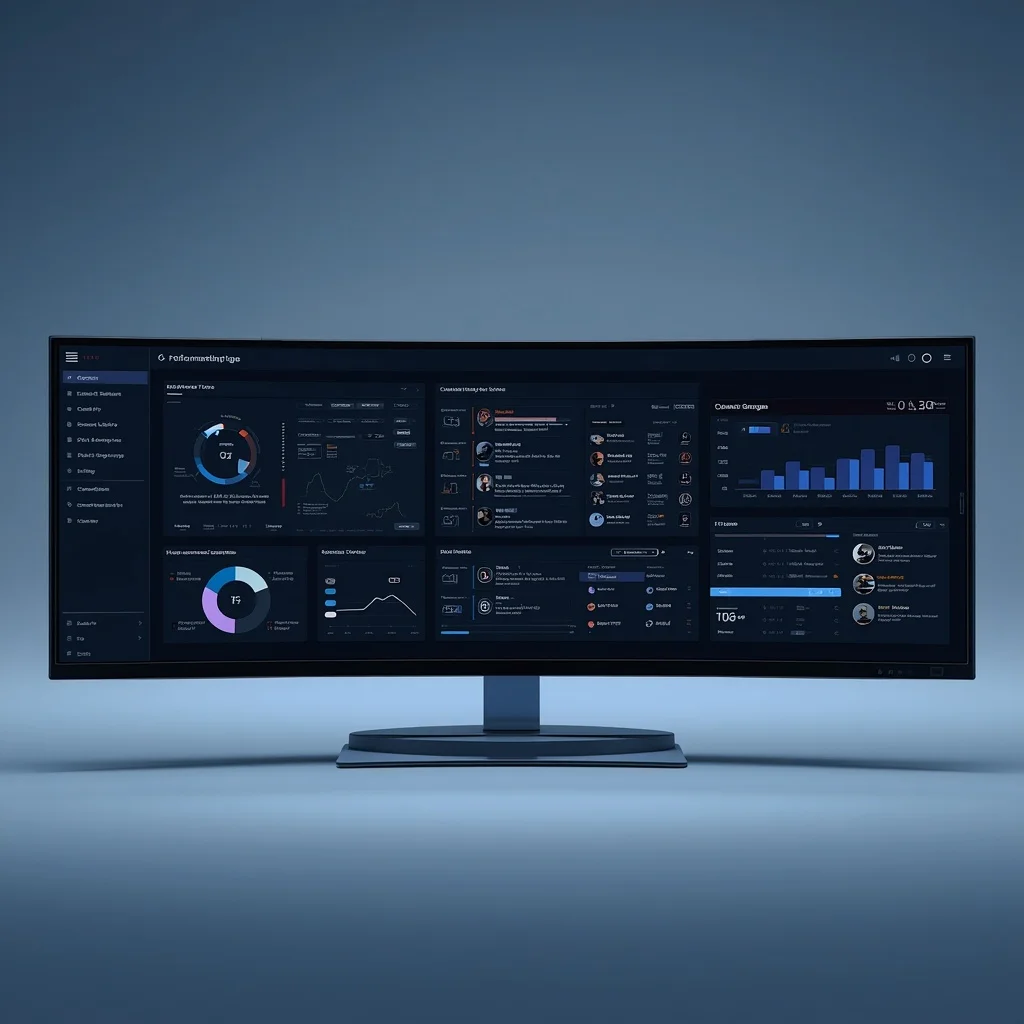
A digital dashboard should make important information easier to understand. Its purpose is not to display every available metric or control in one place, but to help someone identify what is happening, what requires attention, and what action may need to follow.
Dashboards are used across analytics, IT operations, project management, cybersecurity, business reporting, customer support, infrastructure monitoring, and many other digital environments. The information displayed varies widely, but the underlying design challenge remains similar: present the right information clearly enough that users can make informed decisions without unnecessary searching.
A useful dashboard therefore depends less on the number of widgets it contains and more on whether each element supports a real monitoring or management need.
What Is a Digital Dashboard?
A digital dashboard is an interface that brings selected information together into a single view.
Depending on its purpose, it may show:
- Key metrics
- System status
- Tasks
- Alerts
- Trends
- Deadlines
- Performance indicators
- Workflow stages
- Operational events
- Exceptions requiring attention
A dashboard is usually a summary layer rather than the complete system itself.
It may point users toward areas that need investigation while detailed work happens elsewhere.
This distinction is important. A dashboard should help users understand the state of a process or system without attempting to replace every specialized tool behind it.
Monitoring and Management Are Different
Monitoring is primarily about visibility.
Management involves taking action.
A monitoring view may show that a service is unavailable, a project is delayed, or a metric has changed unexpectedly.
The management process begins when someone investigates the reason and decides what should happen next.
Combining monitoring and controls can be useful in some systems, but the two functions should still be designed separately.
Users need to know whether an interface is simply reporting a condition or allowing them to make changes that affect the underlying system.
Controls with significant consequences deserve stronger safeguards than read-only information.
Start With the Decision the Dashboard Supports
Before adding charts, counters, tables, or alerts, determine what decisions the dashboard is supposed to support.
Examples include:
- Which systems require immediate investigation?
- Which tasks are overdue?
- Is a project likely to miss a deadline?
- Are customer requests accumulating?
- Has a security-related event occurred?
- Is resource usage approaching a limit?
- Which workflow stage contains the largest backlog?
- Did an important business metric change significantly?
Once the question is clear, it becomes easier to determine which information deserves space.
A dashboard with no defined decision purpose can quickly become a collection of attractive but low-value visualizations.
Show Information That Leads to Action
Not every available metric belongs on a dashboard.
Useful information usually has one of three purposes:
- It confirms that an important process is operating normally.
- It identifies something that may require attention.
- It helps compare current conditions with a meaningful target, baseline, or previous state.
Metrics that do not influence a decision may be better suited to reports or detailed analysis pages.
Reducing unnecessary information can make important changes easier to notice.
Prioritize the Most Important Information
A dashboard should communicate hierarchy.
Critical information should not have the same visual importance as routine background data.
For example, an urgent service failure may deserve immediate attention, while a minor trend change may be useful but not time-sensitive.
Useful prioritization can depend on:
- Severity
- Business impact
- Time sensitivity
- Security implications
- Number of affected users
- Financial impact
- Whether another process is blocked
A dashboard should help distinguish important exceptions from ordinary variation.
Avoid Dashboard Overload
One of the most common dashboard problems is trying to display too much.
More information does not automatically produce better understanding.
Excessive widgets can create:
- Visual clutter
- Competing priorities
- Slower interpretation
- Duplicate metrics
- Confusing navigation
- Alert fatigue
If users routinely ignore large portions of a dashboard, those elements may not deserve permanent space.
A focused overview with access to deeper information is often more useful than a single screen attempting to contain everything.
Use the Right Type of Information Display
Different questions require different presentation methods.
Single Values
A single number can work well when one current value is important.
Examples include:
- Open incidents
- Pending approvals
- Tasks overdue
- Available storage
- Current response time
A single value becomes more meaningful when appropriate context is provided.
“12 open incidents” is difficult to interpret without knowing whether 12 is normal or unusual.
Trends
Trend charts are useful when direction over time matters.
They can help users see:
- Growth
- Decline
- Seasonal patterns
- Sudden changes
- Repeated spikes
The time range should match the decision being made.
Tables
Tables are useful when exact values, multiple fields, or individual records need to be compared.
They may be more appropriate than charts for:
- Task lists
- Incident records
- Users
- Servers
- Orders
- Tickets
- Transactions
Status Indicators
Status indicators can provide a fast overview of whether an item is operating normally, degraded, unavailable, waiting, or complete.
Statuses should have precise definitions so users do not have to guess what they mean.
Context Makes Metrics Useful
A number without context can be misleading.
If a dashboard reports that response time is 450 milliseconds, users need to know whether that represents good performance, an unusual slowdown, or an expected value.
Context may include:
- Previous period
- Target
- Threshold
- Historical average
- Service-level objective
- Capacity limit
The comparison should be relevant rather than added merely because comparison data is available.
Dashboards for Task Management
Task dashboards can help users understand work in progress.
Useful information may include:
- Work due soon
- Overdue tasks
- Blocked tasks
- Items awaiting approval
- Recently completed work
- Work assigned to specific owners
The dashboard should not replace clear task definitions and ownership.
If tasks are vague, outdated, or incorrectly assigned, a polished dashboard will simply summarize unreliable information.
The broader principles of defining, prioritizing, assigning, and reviewing work are covered in the task management and workflows guide.
Workflow Monitoring
A workflow dashboard can help reveal where work is accumulating.
Suppose a process follows:
Request → Review → Approval → Completion
If most items repeatedly remain in the review stage, that stage may be creating a bottleneck.
Useful workflow monitoring can therefore focus on:
- Number of items at each stage
- Time spent in each stage
- Blocked work
- Exceptions
- Rejected items
- Rework
- Completion rate
The objective is not simply to observe movement.
Monitoring should help identify where the process can be improved.
Operational Monitoring
Operational dashboards are commonly used to follow systems and services.
Depending on the environment, relevant information may include:
- Availability
- Error rates
- Processing time
- Queue size
- CPU usage
- Memory usage
- Storage
- Network activity
- Application failures
Different systems require different indicators.
A small website and a large distributed application do not need identical monitoring strategies.
The dashboard should reflect the risks and operating requirements of the system being monitored.
Alerting and Dashboards Serve Different Purposes
A dashboard requires someone to look at it.
An alert actively signals that a defined condition has occurred.
This difference matters for time-sensitive events.
A critical system failure should not depend entirely on someone noticing a red indicator during a routine dashboard check.
Alerts may be more appropriate for conditions that require prompt attention, while dashboards are useful for broader awareness and investigation.
Not every change deserves an alert.
Too many alerts can cause users to ignore them.
Set Meaningful Thresholds
Thresholds can help identify abnormal conditions, but arbitrary thresholds may produce noise.
A threshold should relate to a real operational concern.
For example, a storage alert should occur early enough that administrators have time to respond before the system runs out of capacity.
Thresholds may need adjustment as systems change.
A value that was unusual six months ago may become normal after traffic, usage, or infrastructure grows.
Avoid Alert Fatigue
If users receive constant low-value warnings, important alerts become easier to miss.
Common causes of alert fatigue include:
- Thresholds that are too sensitive
- Duplicate alerts
- Alerts for conditions that resolve automatically
- Notifications without clear ownership
- Warnings that do not require action
Each alert should ideally answer:
- What happened?
- How serious is it?
- What system is affected?
- Who should investigate?
- What supporting information is available?
The goal is useful attention, not maximum notification volume.
Data Freshness Matters
Dashboards often appear current even when their underlying data is delayed.
Users should understand how frequently information updates.
Possible refresh patterns include:
- Real time
- Near real time
- Every few minutes
- Hourly
- Daily
- Manually
A delay may be completely acceptable for a strategic business dashboard but inappropriate for operational incident monitoring.
Displaying update times can help prevent users from making decisions based on stale information.
Data Quality Matters More Than Presentation
An attractive dashboard built on unreliable data can be more dangerous than an obviously incomplete report.
Incorrect data may come from:
- Failed integrations
- Duplicate records
- Inconsistent definitions
- Missing values
- Delayed synchronization
- Incorrect filters
- Tracking errors
Before relying on a dashboard for important decisions, verify that the underlying data collection is dependable.
Definitions should also remain consistent.
If one team defines an “active customer” differently from another, comparing their metrics may produce misleading conclusions.
Design for Exceptions
Dashboards are particularly valuable when they help users find what is unusual.
Instead of forcing people to inspect every normal item, highlight:
- Failures
- Delays
- Missing information
- Unusual changes
- Items outside acceptable limits
- Work requiring approval
This exception-oriented approach can reduce the amount of routine checking required.
It also makes dashboards more useful as the number of monitored items increases.
Allow Users to Reach the Detail
Summary information is valuable only when users can investigate further.
A dashboard may reveal that five services have errors, but someone still needs enough detail to determine:
- Which services
- When the errors began
- What changed
- Who is affected
- Whether the problem is ongoing
Where possible, summary views should provide a clear path to the underlying records or diagnostic information.
A dashboard should not become a dead end.
Design for the Actual User
Different people need different levels of information.
An executive dashboard may focus on a small set of business outcomes.
An operations team may require detailed system status.
A project manager may care about deadlines, blocked work, and dependencies.
A security analyst may need events, alerts, and investigation context.
Trying to satisfy every audience with one dashboard often produces clutter.
When needs differ substantially, separate views may be more effective.
Dashboards Should Not Replace Analysis
A dashboard can show that something changed.
It may not explain why.
For example, a decline in traffic could have many causes. A rise in support tickets may be linked to a product problem, seasonal demand, a policy change, or another event.
Dashboards support investigation; they do not eliminate the need for analysis.
Users should avoid treating a correlation visible in a chart as proof of cause.
Monitoring Security-Related Information
Some dashboards contain security-sensitive information.
Examples include:
- Login activity
- User permissions
- Security alerts
- Infrastructure status
- Vulnerability information
- Administrative activity
Access to these views should reflect the sensitivity of the information.
Basic precautions include:
- Individual accounts where supported
- Strong authentication
- Least-privilege permissions
- Regular access reviews
- Protected administrative devices
- Removal of former users
The QuikConsole Security Guide covers broader principles for authentication, permissions, phishing, backups, and safer digital access.
Limit Administrative Controls
A dashboard that provides administrative controls deserves more protection than a read-only reporting view.
Changing permissions, restarting services, deleting records, modifying infrastructure, or approving financial actions can have significant consequences.
High-impact actions may require:
- Stronger permissions
- Confirmation
- Separate approval
- Logging
- Restricted roles
- Recovery procedures
Convenience should not remove appropriate safeguards.
Document Important Metrics
Users should know what dashboard metrics actually mean.
Documentation can define:
- How a metric is calculated
- What data source it uses
- How often it updates
- Which filters apply
- What counts as normal
- Who owns the metric
This becomes especially important when multiple teams rely on the same dashboard.
Without shared definitions, two people may interpret the same number differently.
Review Dashboards Regularly
Dashboards should change as the system or organization changes.
A metric that was once important may become irrelevant.
A new service may require monitoring.
An old alert may no longer indicate a real problem.
Periodic review can identify:
- Unused widgets
- Duplicate information
- Obsolete metrics
- Incorrect thresholds
- Stale integrations
- Missing monitoring
- Unnecessary alerts
Removing outdated information is part of maintaining a useful dashboard.
Do Not Measure Everything Because You Can
Modern software can collect enormous amounts of data.
Collection itself is not the goal.
Every metric introduces some combination of storage, processing, maintenance, interpretation, and privacy considerations.
A better question is:
What information would change a decision or trigger an appropriate action?
If a metric has no clear use, it may not need permanent dashboard space.
Dashboards and Automation
Monitoring often interacts with automation.
For example, a system may automatically create a task after an error condition occurs or route an item when a threshold is crossed.
Automation can reduce repetitive manual work, but important automated actions still need suitable controls.
The AI-driven workflow automation guide explains how automated processes can be designed with permissions, human review, error handling, and monitoring.
A dashboard can provide visibility into automation without implying that the dashboard itself performs every action.
Dashboard Design Checklist
Before relying on a dashboard, review whether:
- Its purpose is clear.
- The intended users are known.
- Important metrics support real decisions.
- Critical information receives appropriate priority.
- Unnecessary widgets have been removed.
- Status definitions are understandable.
- Data sources are reliable.
- Refresh timing is appropriate.
- Thresholds have a practical basis.
- Alerts require meaningful attention.
- Detailed information can be reached when needed.
- Sensitive information is appropriately restricted.
- Administrative controls are protected.
- Metrics have documented definitions.
- Outdated information is reviewed and removed.
A useful dashboard is usually the result of deliberate selection rather than maximum information density.
Frequently Asked Questions
What is a digital dashboard?
A digital dashboard is an interface that brings selected metrics, statuses, alerts, tasks, or other information together to provide a concise overview.
What is dashboard monitoring?
Dashboard monitoring involves reviewing selected information to understand the current state of a process, system, workflow, or business activity.
Is a dashboard the same as a management console?
Not necessarily. A dashboard may primarily display information, while a management console may also allow users to make configuration or administrative changes.
Can dashboards improve productivity?
They can reduce the effort required to locate important information when the dashboard is well designed and based on reliable data. A poorly designed dashboard can add complexity instead.
How many metrics should a dashboard contain?
There is no universal number. It should contain enough information to support its purpose without obscuring important signals with unnecessary data.
What makes a dashboard useful?
Useful dashboards present relevant, reliable, current information in a form that helps users understand what needs attention or investigation.
Should every dashboard use real-time data?
No. The refresh rate should match the decision being supported. Real-time information is useful for some operational systems, while daily or weekly updates may be sufficient for other purposes.
What is alert fatigue?
Alert fatigue occurs when users receive so many low-value notifications that important alerts become easier to overlook.
Should dashboards include administrative controls?
They can, but high-impact controls should use appropriate permissions, authentication, logging, and other safeguards.
How often should dashboards be reviewed?
They should be reviewed periodically and whenever workflows, systems, responsibilities, or reporting requirements change substantially.
Final Thoughts
A dashboard is useful when it reduces uncertainty.
It should help users identify important changes, understand the current state of a system or process, and move efficiently toward the information or action required next.
That does not require displaying every available metric.
Clear purpose, reliable data, meaningful prioritization, sensible alerting, appropriate security, and regular review matter more than the number of charts or controls on the screen.
The strongest dashboards remain focused on decisions rather than decoration.


Pingback: QuikConsole Review: Features, Benefits & User Experience
Pingback: Digital Consoles and Management Interfaces Guide